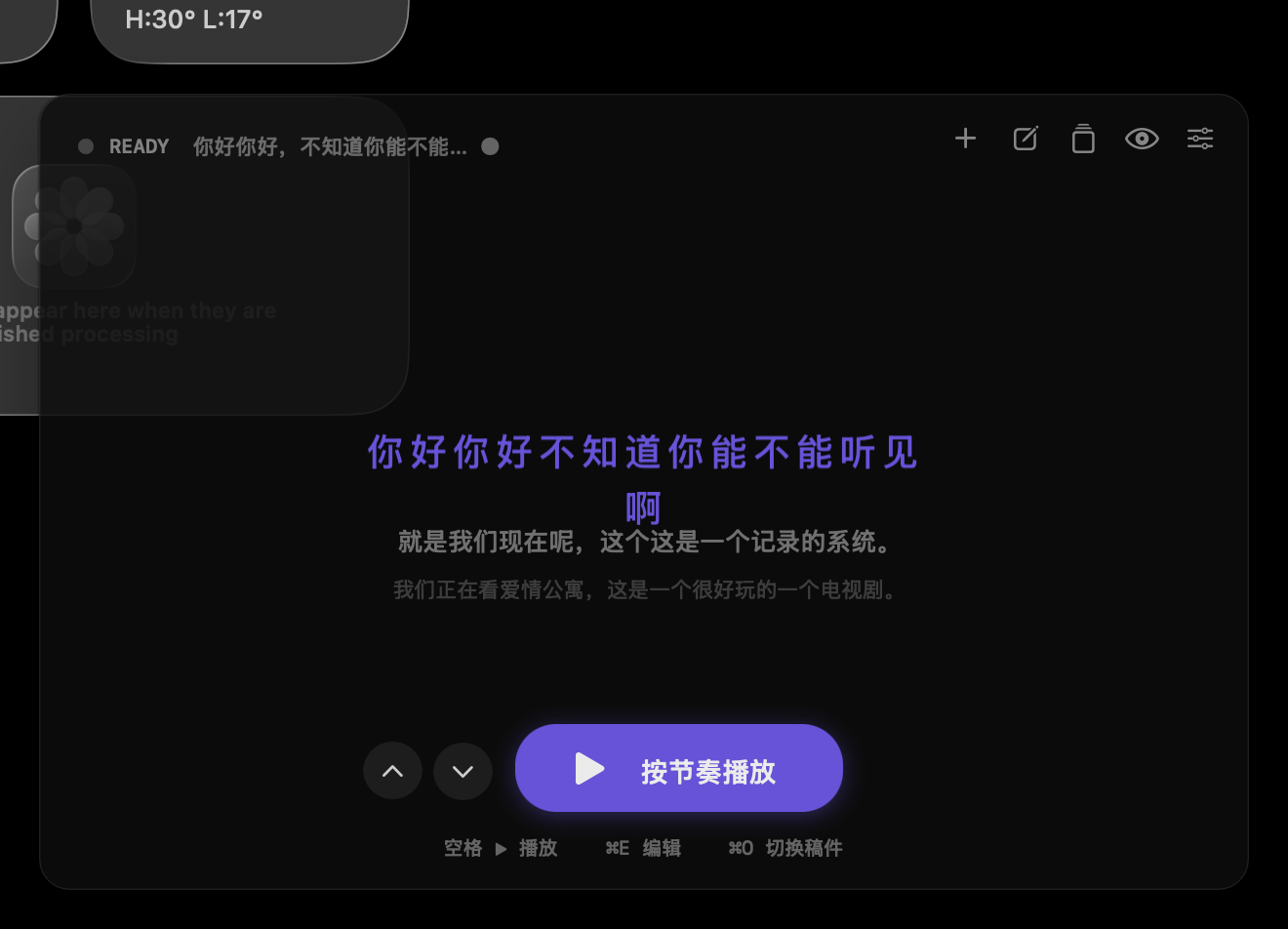
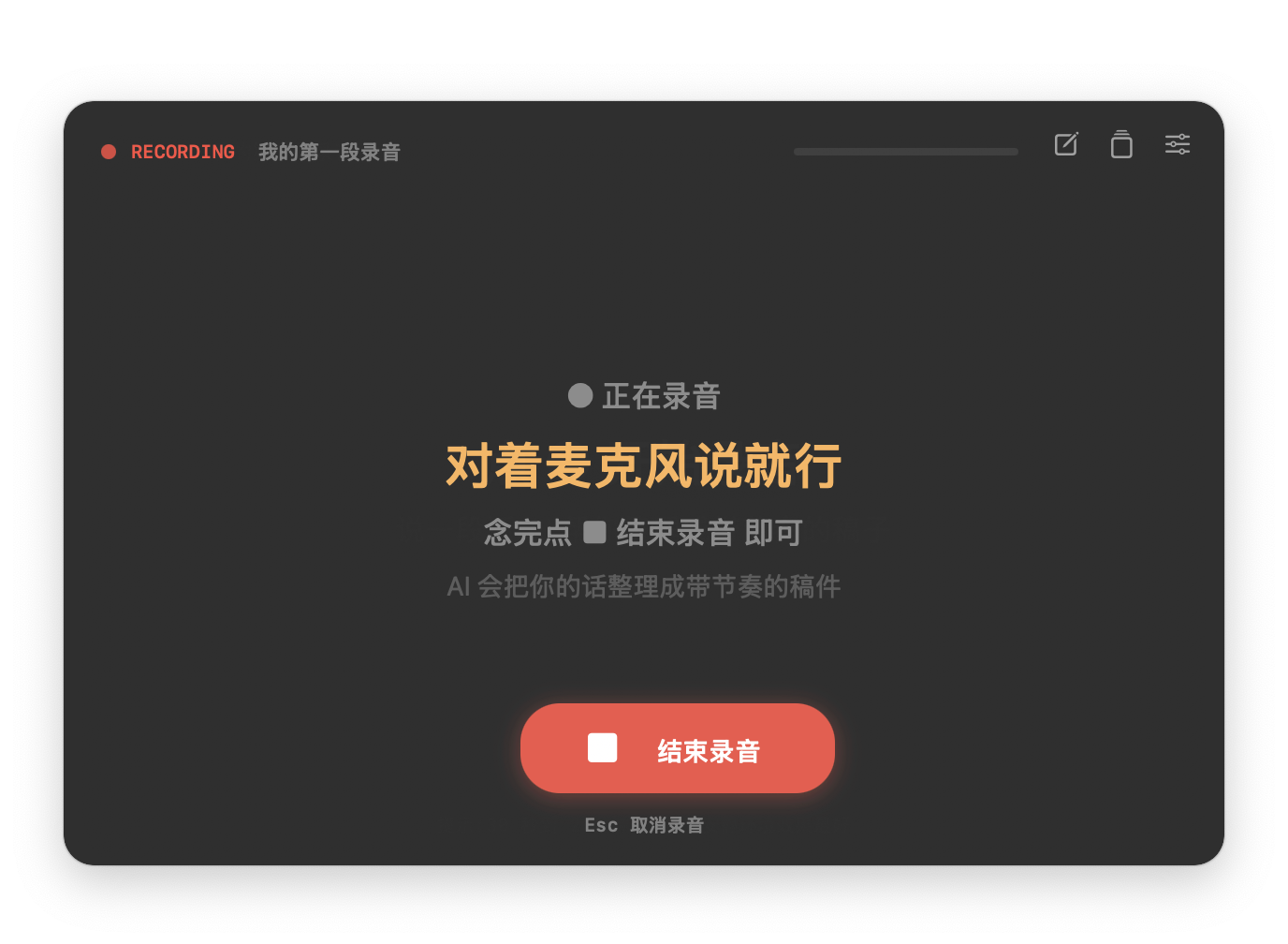
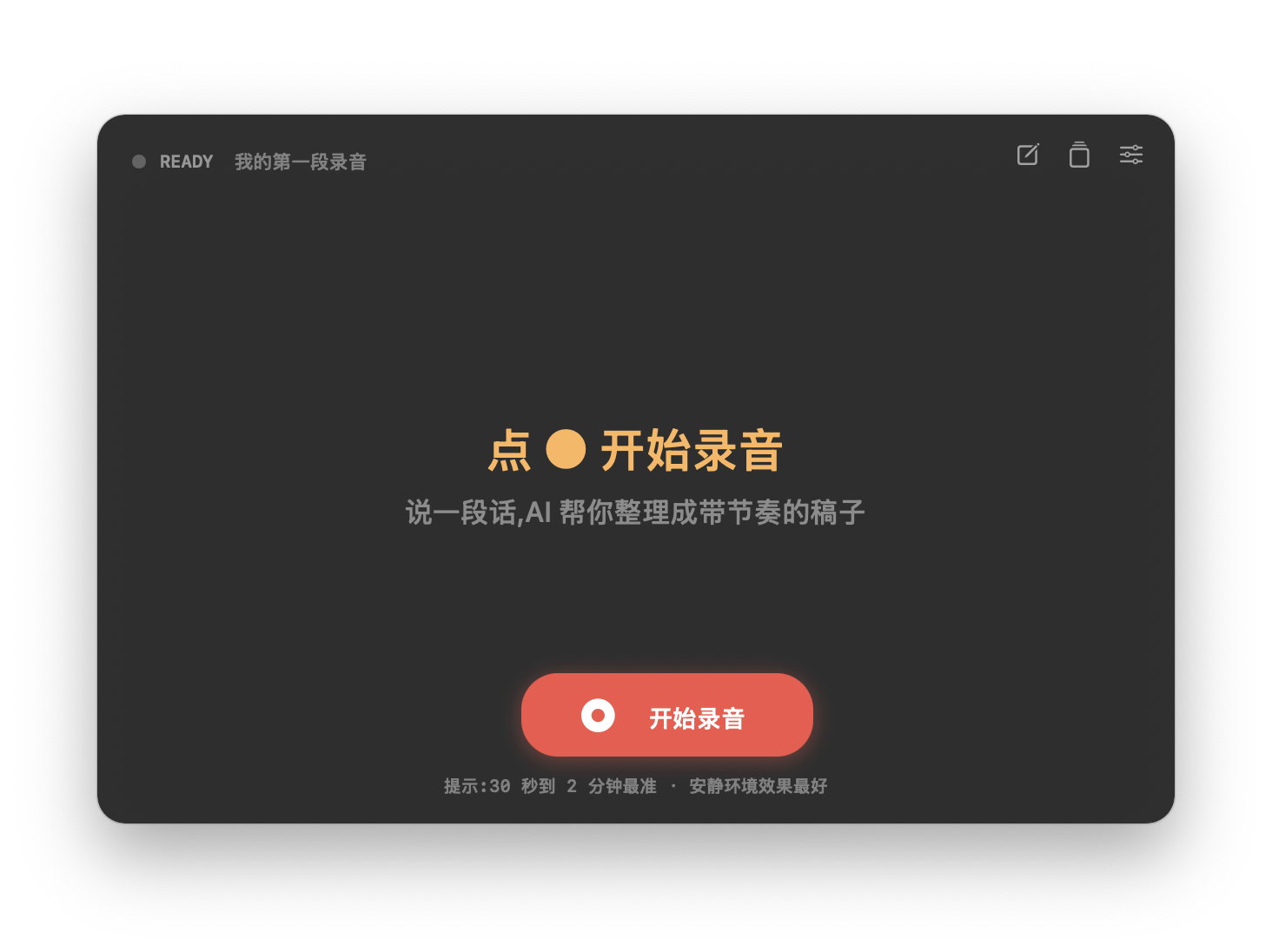
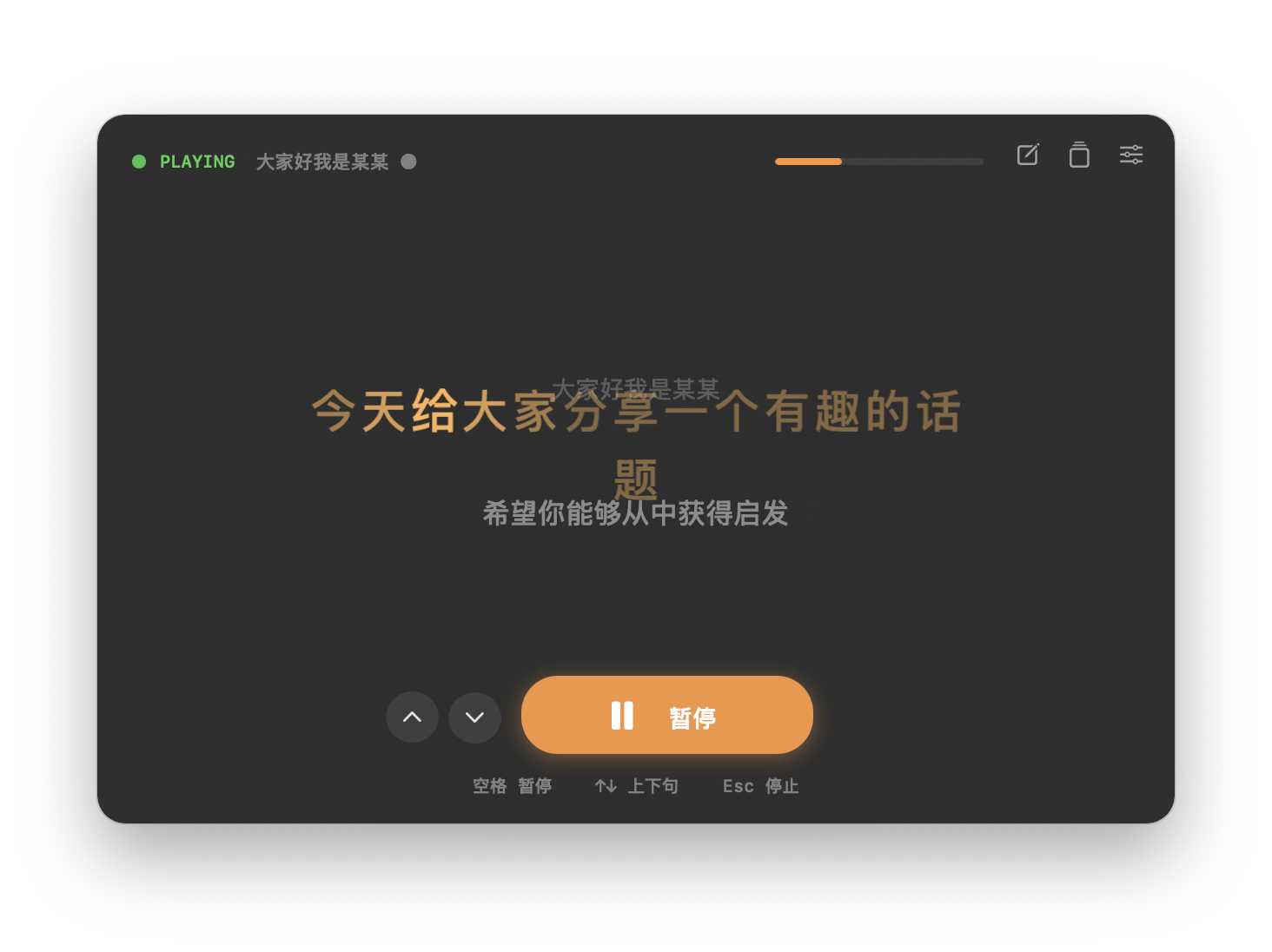
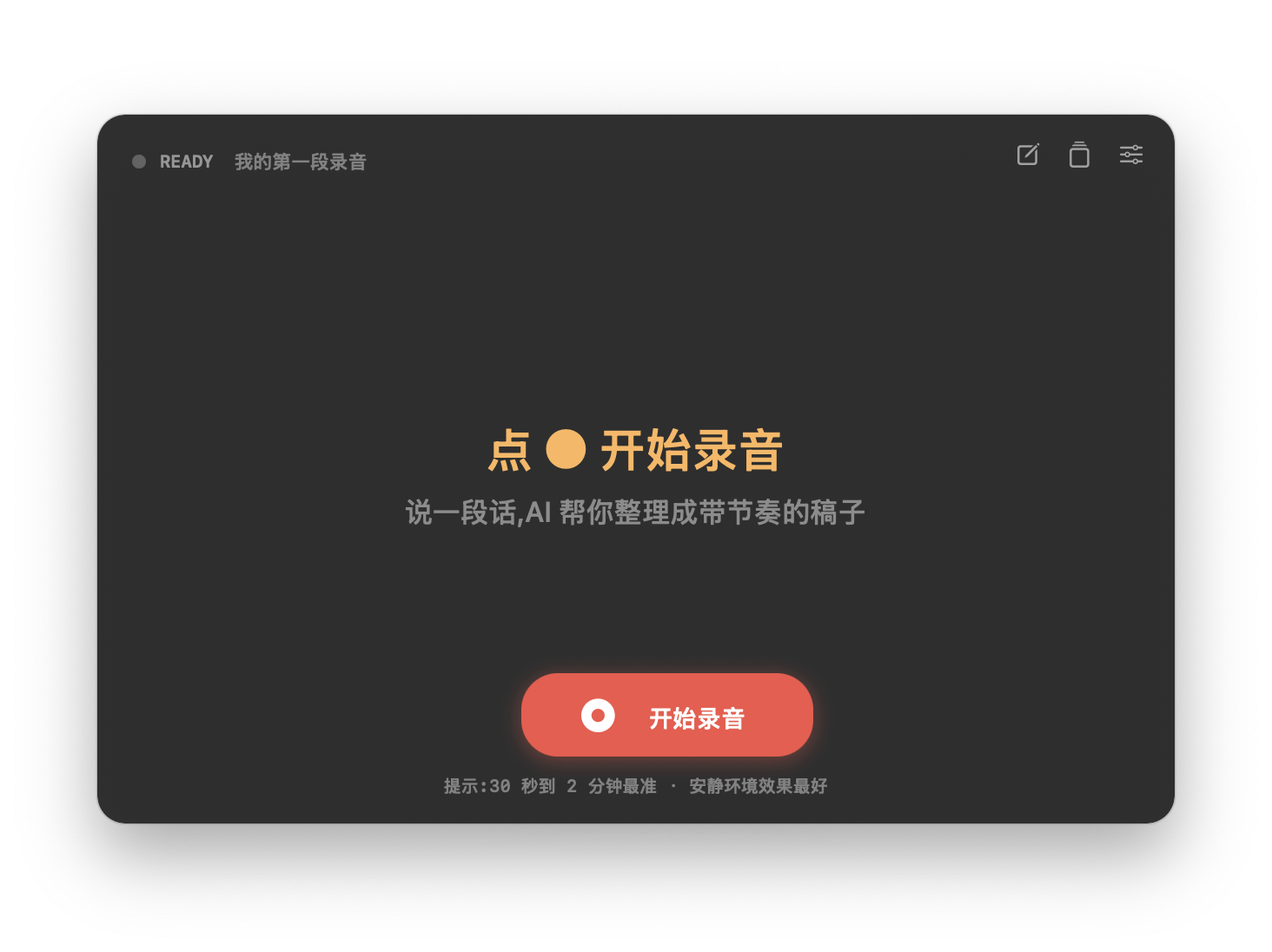
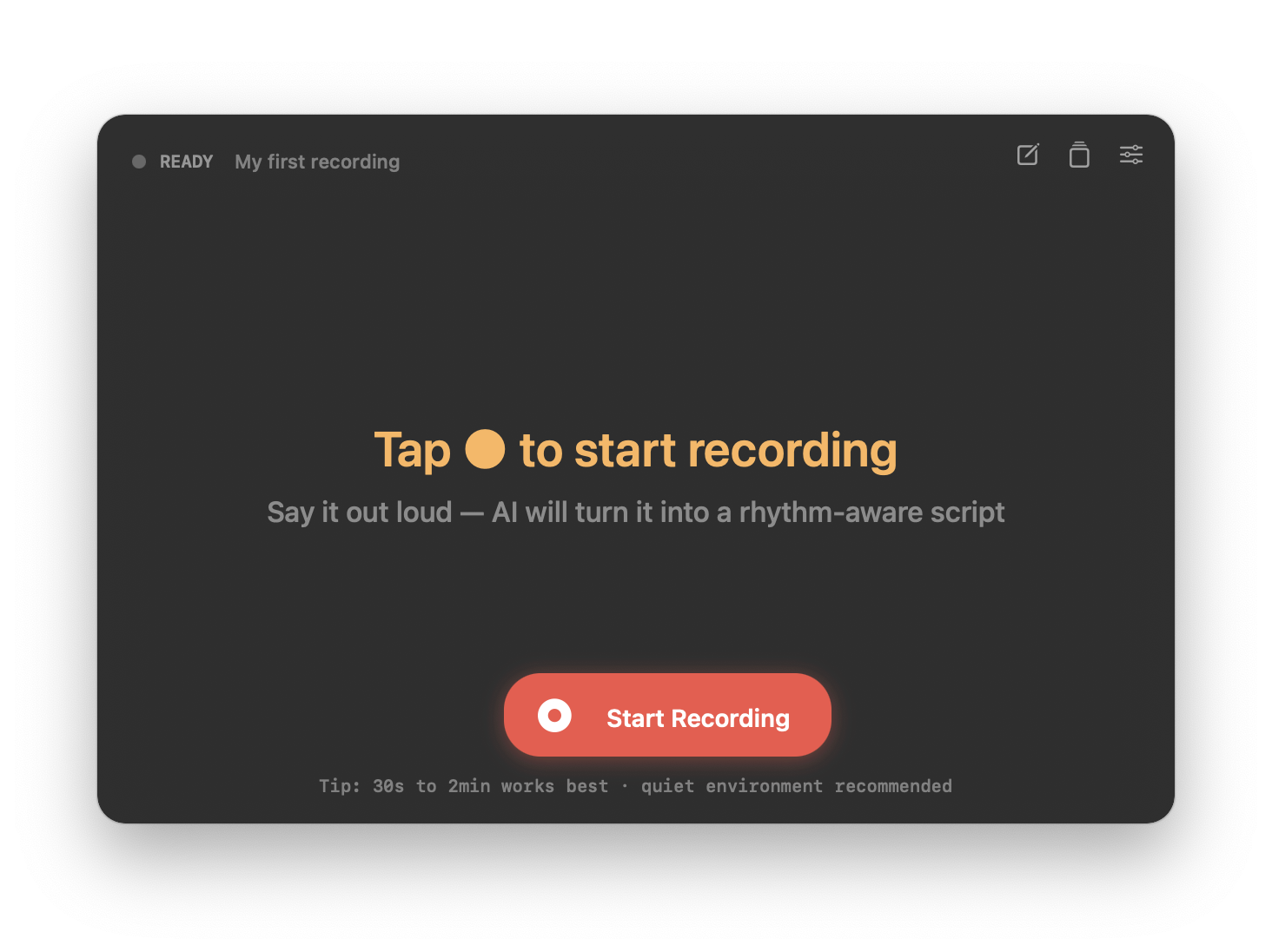
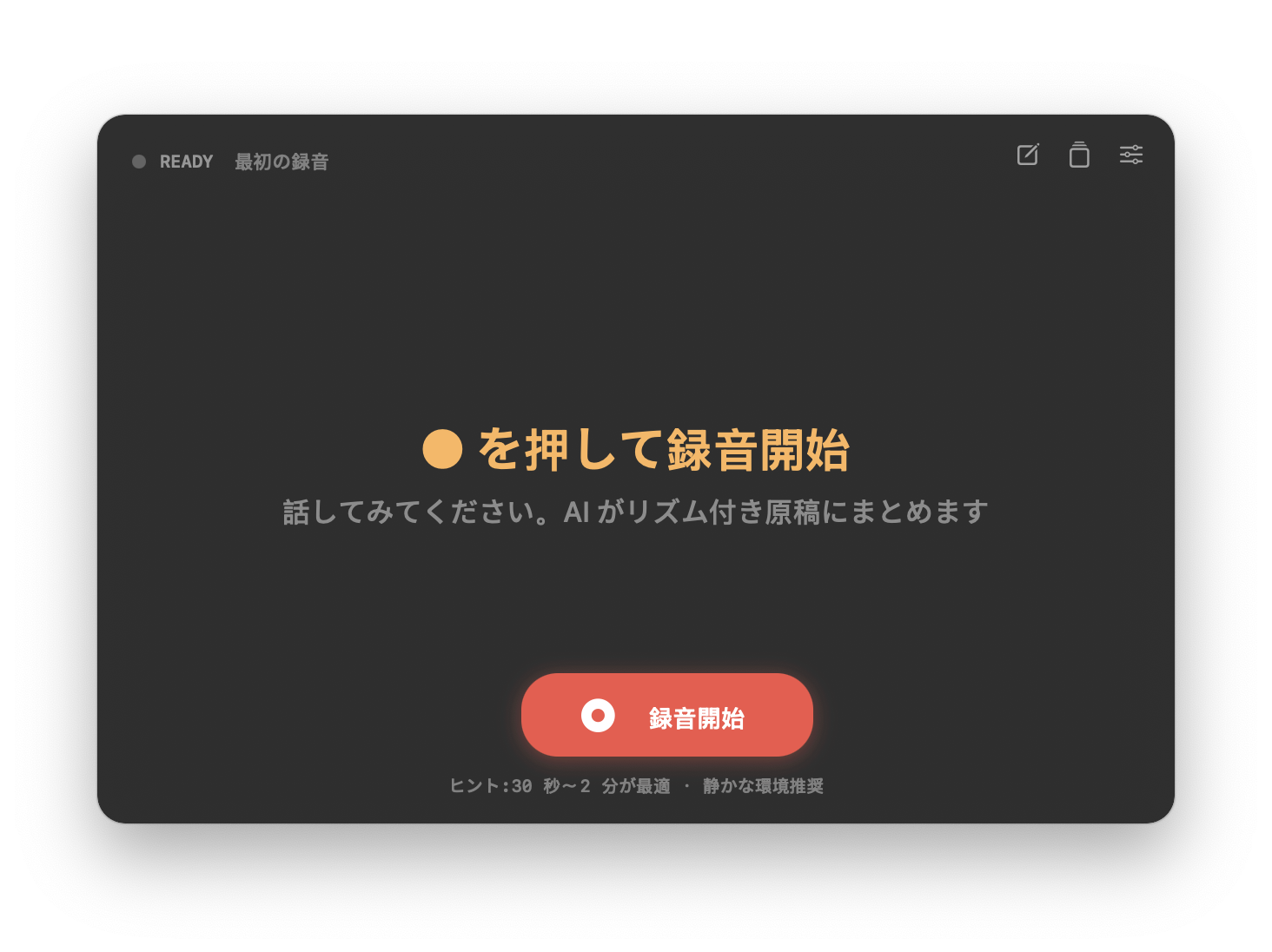
An invisible teleprompter built for vloggers. Speak first, AI turns it into a rhythm-aware script that follows your pace — character by character. 为视频创作者打造的隐形提词器。先说,AI 把你的话整理成带节奏的稿件,然后逐字跟读你的节奏。 動画クリエイターのための見えないテレプロンプター。先に話す。AI がリズム付き原稿にまとめ、一文字ずつあなたのペースについてくる。
Three things that make MyPace different from every other teleprompter on macOS. 三件事让 MyPace 和其他 macOS 提词器都不一样。 他の macOS テレプロンプターと違う 3 つのこと。
Powered by ScreenCaptureKit's sharingType = .none. Your script never appears in QuickTime, OBS, Loom, or Zoom screen shares.
用 ScreenCaptureKit 的 sharingType = .none 实现。你的稿件永远不会被 QuickTime / OBS / Loom / Zoom 录到。
ScreenCaptureKit の sharingType = .none を使用。QuickTime / OBS / Loom / Zoom の画面共有に原稿が写ることはありません。
Don't pre-write. Just talk. AI turns your speech into a rhythm-aware script — so when you read take 2, the teleprompter follows your own natural pace. 不必先写稿。直接说。AI 把你的话整理成带节奏的稿件 —— 第二遍读时,提词器按你第一遍的自然节奏滚动。 事前に書く必要なし。話すだけ。AI がリズム付き原稿にまとめ、2 回目はあなたの自然なペースに合わせてスクロール。
Not just sentence highlighting. Each character has its own timestamp from Volcano Engine ASR. The current character subtly scales — smooth, never jittery. 不只是句子高亮。每个字都有独立时间戳(来自火山引擎 ASR)。当前字微微放大 1.05x —— 平滑,不抖动。 文単位のハイライトではなく、火山エンジン ASR の文字ごとのタイムスタンプ。現在の文字が 1.05 倍にズーム — 滑らかで震えない。
The window floats above your other apps. Just talk to the mic — say what you want to say in the video, in your own words, at your own pace. 窗口浮在所有 app 之上。对着麦克风,用你自己的话、自己的节奏,说你想在视频里讲的内容。 ウィンドウは他のアプリの上に浮かびます。マイクに向かって、自分の言葉、自分のペースで動画で話したいことを話します。
Esc to cancel mid-recordingEsc 中途取消Esc で途中キャンセル
Stop recording. The audio goes to Volcano Engine ASR with enable_words = true. In 5–10 seconds you get a clean script plus character-level timestamps.
停止录音。音频发到火山引擎 ASR(开启 enable_words)。5–10 秒后你得到干净的稿件 + 每个字的时间戳。
録音を停止。音声を火山エンジン ASR (enable_words = true) に送信。5〜10 秒できれいな原稿と文字ごとのタイムスタンプを取得。
Tap ▶ Play by Rhythm. The teleprompter scrolls at the exact pace you spoke last time. Each current character subtly scales up at 1.05x — never jittery, always smooth. 点 ▶ 按节奏播放。提词器按你上次说话的节奏滚动。当前字微微放大 1.05x —— 平滑、不抖。 ▶ リズムで再生 を押す。前回話したペースで原稿がスクロール。現在の文字が 1.05 倍に拡大 — 滑らかで震えない。
Open QuickTime, OBS, ScreenFlow, or any screen recorder. Start your video. The MyPace window is right there on your screen — but it won't appear in the recording. Ever. 打开 QuickTime / OBS / ScreenFlow / 任何录屏工具,开始录视频。MyPace 窗口就在你眼前 —— 但永远不会出现在录像里。 QuickTime / OBS / ScreenFlow など任意の画面録画ソフトを開いて録画開始。MyPace ウィンドウは目の前にあるのに、録画には絶対映りません。
Full UI translation in Simplified Chinese, English, and Japanese. Auto-detect from system, or switch manually in Preferences. 全 UI 中、英、日 三语,自动跟随系统,也可在偏好设置手动切换。 UI 全体を簡体字中国語・英語・日本語に対応。システムに自動追従、または環境設定で手動切替。
1.5 MB. No Electron, no framework bloat. Just Swift + AppKit + the macOS APIs that matter. 1.5 MB。无 Electron、无 framework 臃肿。纯 Swift + AppKit + 真正重要的 macOS API。 1.5 MB。Electron なし、フレームワークなし。純粋な Swift + AppKit + 重要な macOS API のみ。
Set NSWindow.sharingType = .none — system-level exclusion from all screen recorders.
设置 NSWindow.sharingType = .none —— 系统级地从所有录屏工具排除。
NSWindow.sharingType = .none でシステムレベルですべての録画ソフトから除外。
Big-model recognition with per-character timestamps via show_words + enable_word_time_offset.
大模型识别 + show_words + enable_word_time_offset 字级时间戳。
大規模モデル認識 + show_words・enable_word_time_offset。
16 kHz mono WAV — exact format Volcano expects. No conversion roundtrip. 16 kHz 单声道 WAV —— 火山引擎期望的格式。无需转换。 16 kHz モノラル WAV — 火山エンジンが期待する形式。変換不要。
Each character is its own layer — scale animations don't trigger layout reflow, so the line never shifts. 每个字一层 CATextLayer —— 缩放动画不触发 layout,行内永远不会"抖"。 各文字が CATextLayer — ズームアニメーションがレイアウトをトリガーしないので、行がずれない。
.titled + .resizable with transparent titlebar — native 4-edge resize without a visible chrome.
.titled + .resizable + 透明 titlebar —— 原生四边 resize,无可见 chrome。
.titled + .resizable と透明タイトルバー — クロームなしのネイティブ 4 辺リサイズ。
Scripts and recordings are stored only in ~/Library/Application Support/MyPacePreview on your mac. Never uploaded.
稿件和录音都只存在你 mac 的 ~/Library/Application Support/MyPacePreview,永远不上云。
原稿も録音もあなたの mac の ~/Library/Application Support/MyPacePreview にのみ保存、クラウドには上がりません。
Free preview release. macOS 13 Ventura or later. Apple Silicon native (1.5 MB). Preview 版免费。macOS 13 Ventura 及以上。Apple Silicon 原生 (1.5 MB)。 プレビュー版無料。macOS 13 Ventura 以降。Apple Silicon ネイティブ (1.5 MB)。